pet-cameras
Wyze Cam vs Furbo (2026): Is the Budget Pet Camera Enough, or Worth 4x for the Furbo?
Wyze Cam vs Furbo 360, ranked on video, two-way audio, treat tossing, and the real cost once the subscription is counted. Based on specs and reviews.
Published 2026-06-10 · 9 min read
Amazon Associates disclosure
As an Amazon Associate, I earn from qualifying purchases. The price you pay is the same. This guide is based on manufacturer specifications, published independent reviews, and verified-buyer feedback, not hands-on testing.
TL;DR
- A Wyze Cam (the v4 at about $36, or the panning Cam Pan v3 at about $40) is enough for most owners who just want to see, hear, and talk to their pet, with no subscription required.
- The Furbo 360 (around $54 hardware, list near $184) earns its higher price with one thing the Wyze cannot do at any cost: toss a treat, plus dog-specific barking alerts. The catch is the Furbo Nanny plan that unlocks those alerts.
- If treat tossing is the reason you are shopping, buy the Furbo 360. If it is not, the Wyze Cam v4 does the core job for a quarter of the price.
As an Amazon Associate I earn from qualifying purchases made through links in this review. It doesn't change the price you pay. This comparison is based on manufacturer specifications and published independent reviews, not personal hands-on testing of either device.
I dug into the manufacturer specs and independent testing for the budget-versus-premium pet camera question every owner runs into: do you really need the $200 treat-tosser, or does the $36 camera do the job? When you are at work checking on your pet, what does the cheap option give up, and is the Furbo's treat toss worth four to five times the money? Below is what the sources reveal.
What do you actually get for the money?
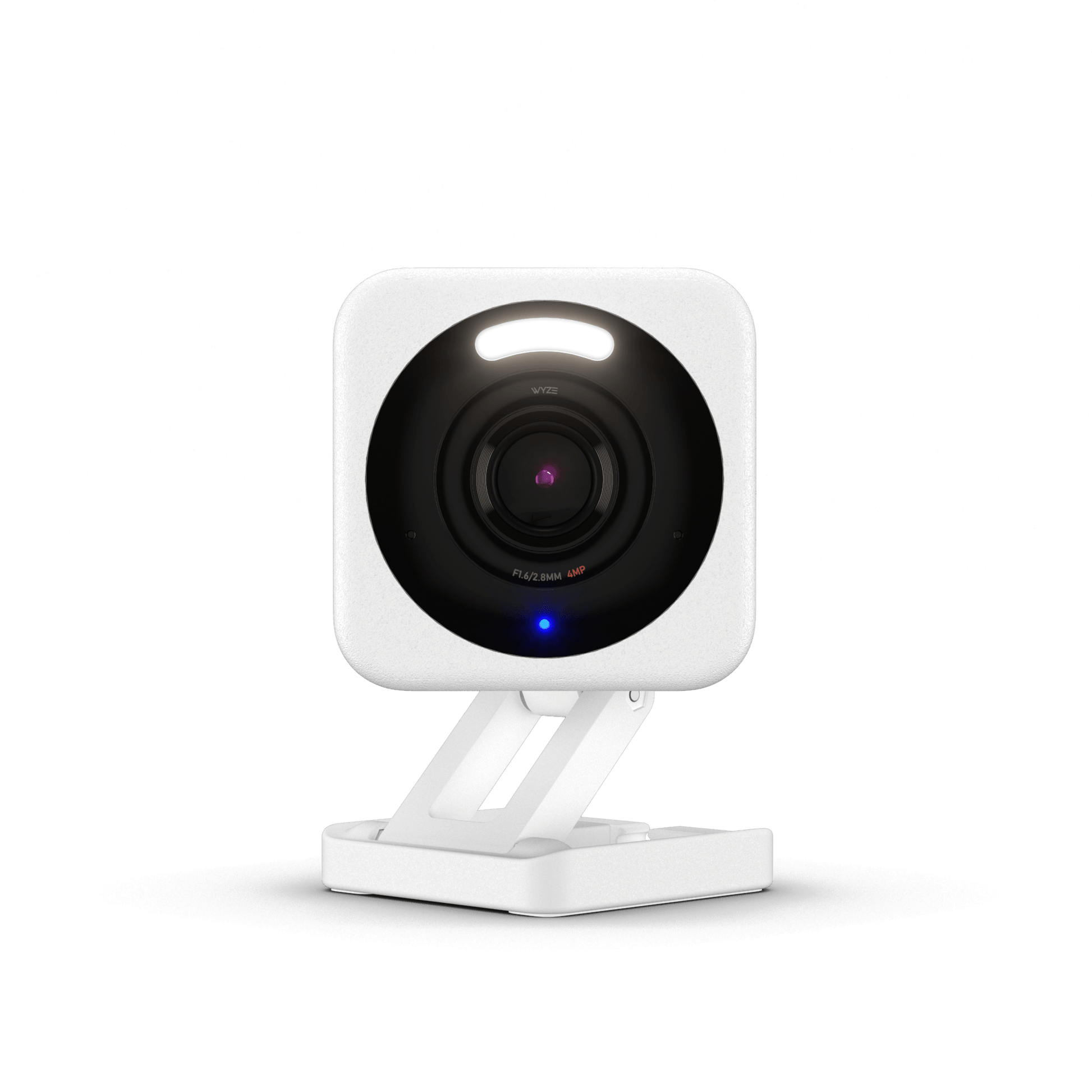
The Wyze Cam v4 is the budget anchor here. It shoots 2.5K QHD (2560 by 1440), well above the 1080p most rivals offer, with color night vision, two-way audio, and a motion-activated spotlight (tech specs). It runs about $36 and, critically, works fully with no plan (Tom's Guide). It is a flat, fixed camera, though, so it sees one slice of the room.
The Wyze Cam Pan v3 is the middle step at about $40. It drops to 1080p but adds a motor that pans 360 degrees, tilts 180 degrees, and auto-tracks a moving pet (Amazon listing). For a pet that roams, that motion tracking is worth the extra few dollars over the flat v4.
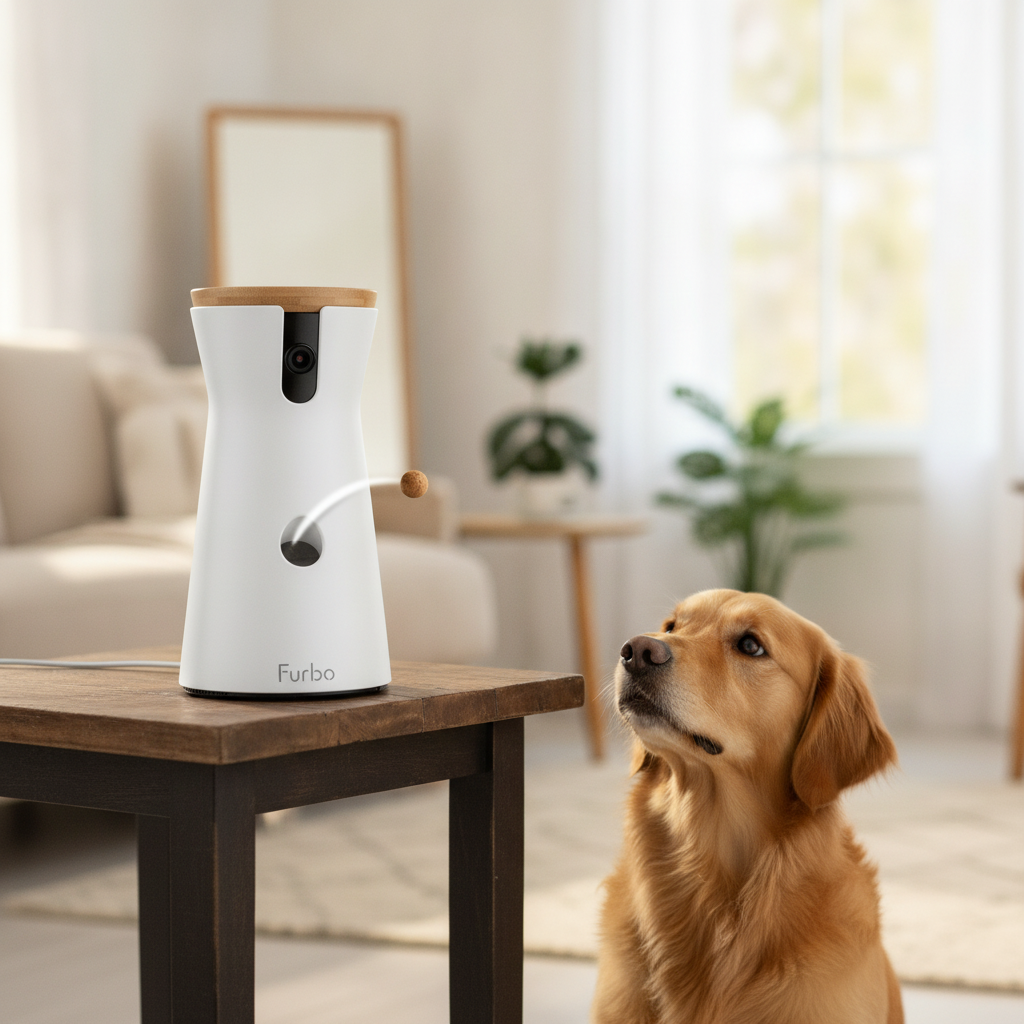
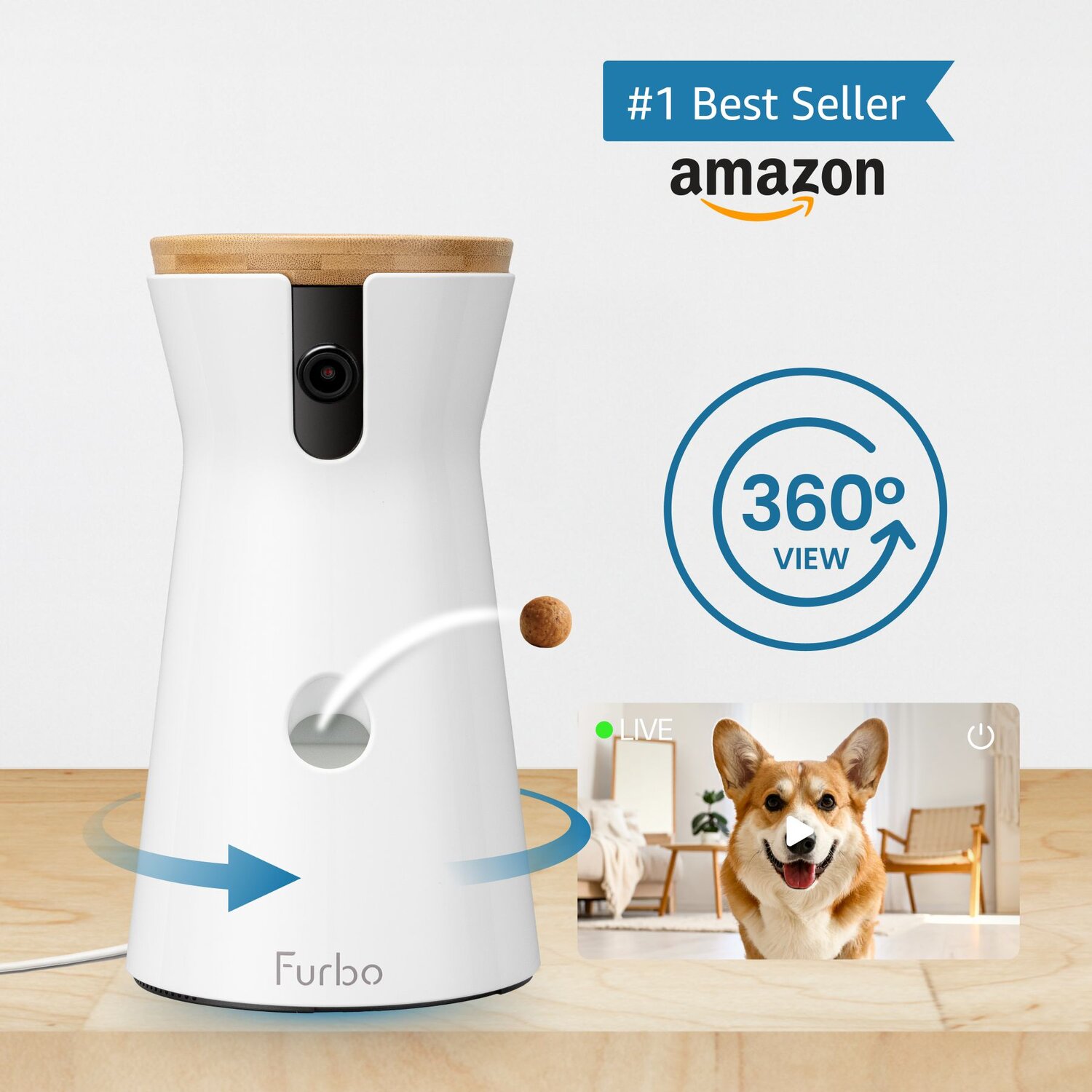
The Furbo 360 is the premium bet, and a different kind of device. It is a 1080p camera with a rotating base for a full-room view, color night vision, two-way audio, dog-specific barking alerts, and the headline trick: a hopper that tosses treats on command (Furbo product page). Hardware often sells around $54 against a $184 list, but that price assumes the subscription. Neither budget model dispenses anything.
What does the cheap Wyze actually give up?
This is the heart of the budget question, so here is the honest version. For pure monitoring, the cheap camera gives up surprisingly little. Its 2.5K image is sharper than the Furbo's 1080p, its night vision is rated well by reviewers, and its two-way audio handles talking to a pet (Tom's Guide).
What it gives up is anything physical. There is no treat toss, no way to reward or distract your dog through the screen. The flat v4 also cannot follow a pet around the room, which is why the panning Cam Pan v3 exists.
There is one more gap on the software side. Without a Cam Plus plan, the app sends you a screenshot of a motion event and then enforces a five-minute cooldown before the next alert (Tom's Guide). For a pet camera that is usually fine; Cam Plus at ~$3 a month removes the wait if you want quick, repeated alerts.
How well does the Furbo justify 4x the price?
The Furbo costs roughly four to five times a Wyze Cam v4, so it has to earn that gap on more than video. It mostly earns it on two fronts.
First, the treat toss. The Furbo holds small, dry, round treats (Furbo recommends about 0.5-inch pieces) and launches them on a tap, useful for rewarding a dog during training or calming one with separation anxiety (Smart Pet Gear Lab). No budget camera does this.
Second, the dog-specific AI. The Furbo's barking sensor detects when your dog barks and pushes a notification, and the rotating base keeps a roaming dog in frame (Furbo product page). The cheaper cameras do motion alerts, not bark-specific ones.
Where the Furbo does not pull ahead is raw image quality. Its 1080p is a step below the v4's 2.5K, and its better alerts and video history sit behind a plan (Dogster). You are paying for the treat motor and the dog smarts, not a sharper picture.
What does each cost to live with?
This is where the sticker price misleads, and the gap widens the longer you own the camera. A Wyze Cam works for free; the Furbo's better features do not. Total cost over a year is the honest number.
A Wyze Cam needs no subscription: free 14-day cloud event clips and continuous microSD recording out of the box. Cam Plus is optional at ~$3 a month or ~$30 a year (up from ~$20 in March 2026) and only adds smarter alerts and longer history (Cam Plus pricing). The Furbo 360 gates barking alerts and video history behind a Furbo Nanny plan: about ~$7 a month yearly, or ~$10 a month month-to-month plus a ~$30 activation fee, with Standard saving 3 days of history and Premium 7 (Furbo Nanny pricing).
| Spec | Wyze Cam v4 | Wyze Cam Pan v3 | Furbo 360 |
|---|---|---|---|
| Hardware price | ~$36 | ~$40 | ~$54 (list ~$184) |
| Resolution | 2.5K (2560×1440) | 1080p | 1080p |
| Treat toss | none | none | yes (~0.5" treats) |
| Field of view | fixed, ~116° diag | 360° pan + 180° tilt | 360° rotating |
| Motion tracking | no (Smart Focus zoom) | yes, auto-track | yes |
| Two-way audio | yes | yes | yes |
| Subscription | optional Cam Plus ~$3/mo | optional Cam Plus ~$3/mo | Furbo Nanny ~$7/mo for alerts |
| Local storage | microSD, free 14-day cloud | microSD, free 14-day cloud | cloud history (plan) |
Pricing as of June 2026, approximate and in USD; all three run promotions and change plan tiers, so verify the current price and plan on each site before buying (Wyze Cam Plus, Furbo Nanny).
What jumps out is the long game. A Wyze Cam can cost nothing past the $36 you spend on day one. The Furbo costs more up front and then asks for a plan to do its dog-specific tricks. If you will not pay for alerts, its value shrinks to a 1080p rotating camera that throws treats.
Is the Wyze Cam safe to point at your home?
Worth saying plainly, because budget cameras get the least scrutiny: all three are always-on cameras with a microphone, aimed at the room where you live. Any cloud history you enable stores clips on the vendor's servers.
Wyze in particular has a documented incident worth weighing. In February 2024, a caching bug briefly let roughly 13,000 users see thumbnail images, and in some cases event clips, from other people's cameras after an outage (CBS News). It followed earlier vulnerabilities flagged in 2022 that took the company a long time to fully patch (9to5Mac). The bug was fixed, but the failure mode, live home footage crossing accounts, is the kind that should give any buyer pause.
Two habits cut the risk for any of these cameras. Use local microSD storage if you want video kept off the cloud entirely, and point the lens so it only frames the area you mean to watch, not a hallway into the rest of the house.
Honest cons of each camera
I lean toward a Wyze Cam for owners who only want to watch, but it isn't perfect:
- No treat toss, ever, at any price.
- Free-tier alerts are limited, with a five-minute cooldown between motion notifications unless you add Cam Plus (Tom's Guide).
- The security track record, including the 2024 cross-account exposure, is a real mark against trusting it with cloud video (CBS News).
- The flat v4 cannot pan; you need the Cam Pan v3 to follow a roaming pet.
The Furbo 360 has its own frustrations:
- The subscription stings. Barking alerts and video history need Furbo Nanny (Furbo Nanny pricing).
- Dry, round treats only, so a dog that holds out for chewy treats leaves the toss feature unused.
- 1080p video is a step below the cheaper Wyze v4's 2.5K.
- No battery, so a power cut means no camera and no treats until power returns.
If you want a deeper look at treat-tossing cameras specifically, our Furbo 360 vs Petcube comparison and our guide to the best pet camera for dogs with separation anxiety cover the same treat-and-alert trade-offs in more detail.
The verdict — our pick
Bottom line: For most owners who just want to see, hear, and talk to a pet, the Wyze Cam v4 is enough at a quarter of the Furbo's price. If remote treat tossing is your reason to shop, the Furbo 360 is the one here that can do it.
Buy the Wyze Cam v4 for the sharpest picture at the least money when you do not need to toss treats. Step up to the Cam Pan v3 if your pet roams and you want a camera that pans and follows, still with no required plan.
Buy the Furbo 360 if treat tossing or dog-specific barking alerts are the point, knowing those alerts live behind a Furbo Nanny plan. That plan is why the gap between $36 and $200 is even wider than the sticker prices suggest.
Whichever you choose, treat it as a check-in tool, not a sitter. A camera can let you watch and, on the Furbo, toss a treat; it cannot notice your pet is unwell, and none of these runs through a power cut. For longer absences, pair it with a real plan for food, water, and a human who can drop by. Still unsure any of this gear is worth it? Our take on smart pet gadgets worth it vs gimmick is a useful gut check, and if neither of these two fits your budget, our roundup of four more sub-$60 dog cameras covers fixed and pan/tilt options that skip the subscription entirely.