Smart Feeder Failure Modes Most Reviews Never Mention
Smart feeders can fail in subtle ways. Here are the jams, schedule errors, power issues, and pet behaviors to check before trusting one.
2026. 8. 22. 게시 · 5분 소요
이 가이드는 아직 번역되지 않아 영어 원문으로 표시됩니다.
As an Amazon Associate, I earn from qualifying purchases. Your price stays the same.
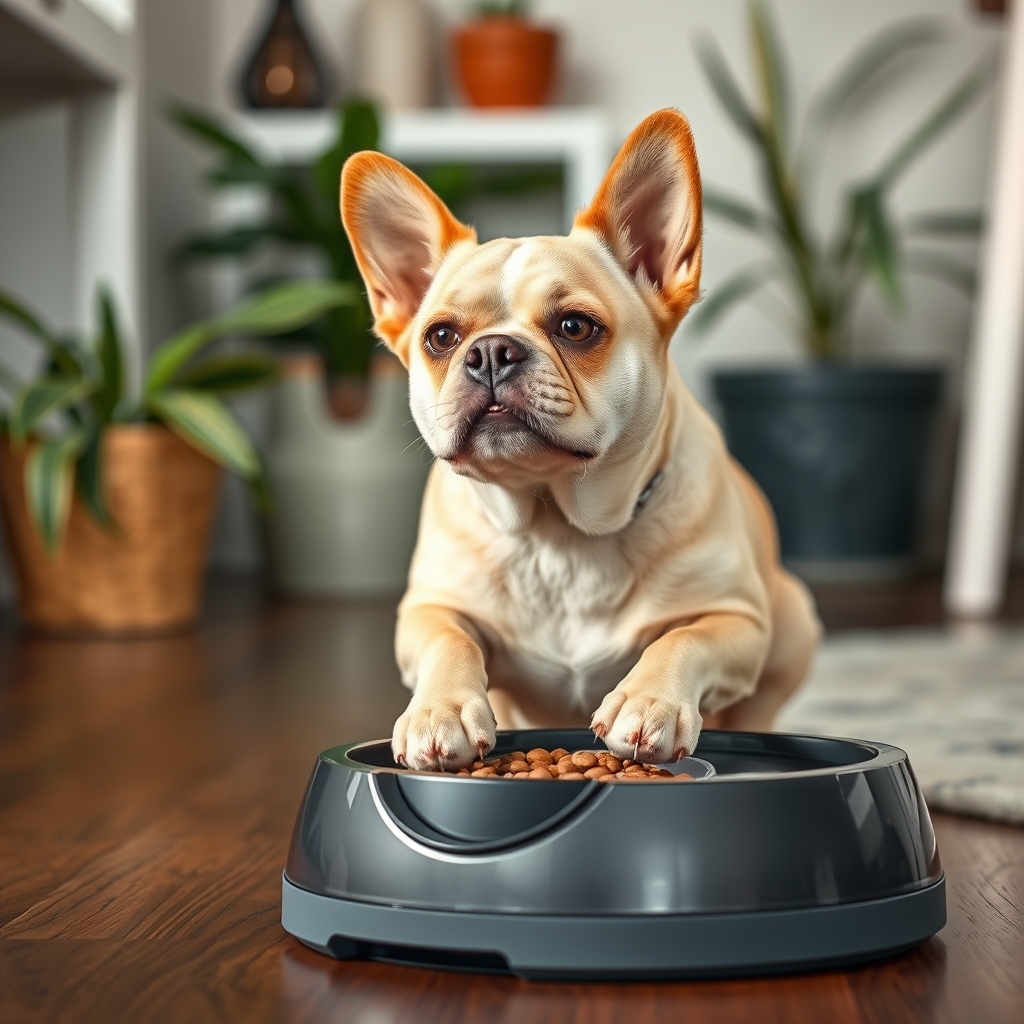
Smart feeders usually work well during a short review period. The less reassuring answer is that their most important failure modes often appear only after weeks of crumbs, power interruptions, app updates, and persistent attention from a hungry pet. I would not trust one for an unattended weekend until I had tested the specific feeder, food, schedule, and backup plan together.
Quick pick: Smart feeder. Best for owners who can verify servings, schedules, alerts, cleaning, pet behavior, and backup help. See it on Amazon (affiliate link)
Feeders whose design targets these failures
I compare published specifications and independent owner reviews rather than testing hardware myself, so read this as a shortlist of designs that answer the failures below, not a verdict from a bench.
- Whisker Feeder-Robot: an anti-jam carousel that retries a blocked cycle up to five times, a 32-cup hopper, and stored schedules that keep running with no Wi-Fi. That combination speaks directly to bridging and to the offline gap. No subscription, ever.
- PETLIBRO Granary (camera model): a 1080p view of the bowl, so a "meal completed" alert can be checked against what actually landed. It is a fixed bowl-view, not a roaming pet cam; live viewing needs Wi-Fi, and cloud video history is a paid add-on.
- SureFeed Microchip Pet Feeder: the lid opens only for a registered microchip or RFID collar tag and closes when that pet steps away, which removes the multi-pet failure rather than alerting you about it.
Prices and listings change; check the current page before buying.
Food can bridge above the dispensing mechanism
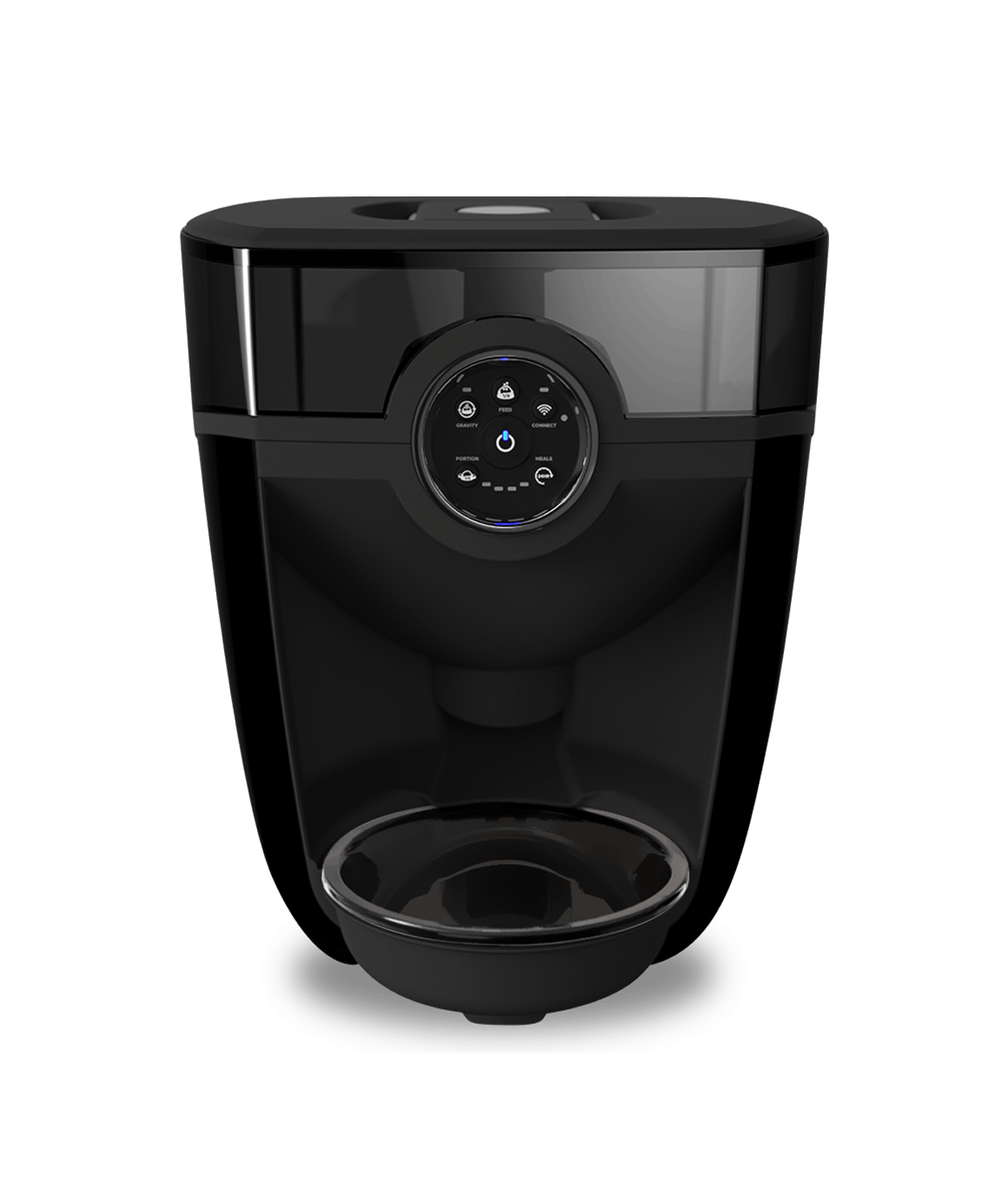
A feeder may run its motor and make the expected dispensing noise while releasing little or no food. One cause is bridging: pieces catch against each other inside the hopper and form a temporary arch above the mechanism. From the outside, the device can appear to have completed its job.
This is easy to miss in reviews that use a clean machine and a small amount of uniform food. In everyday use, food shape varies, crumbs collect, and oily residue can make internal surfaces less predictable. A realistic way to check for bridging is to fill the hopper to a typical level, run repeated meals, and inspect the bowl rather than rely on the app’s success message.
A “meal completed” alert may only confirm motor activity
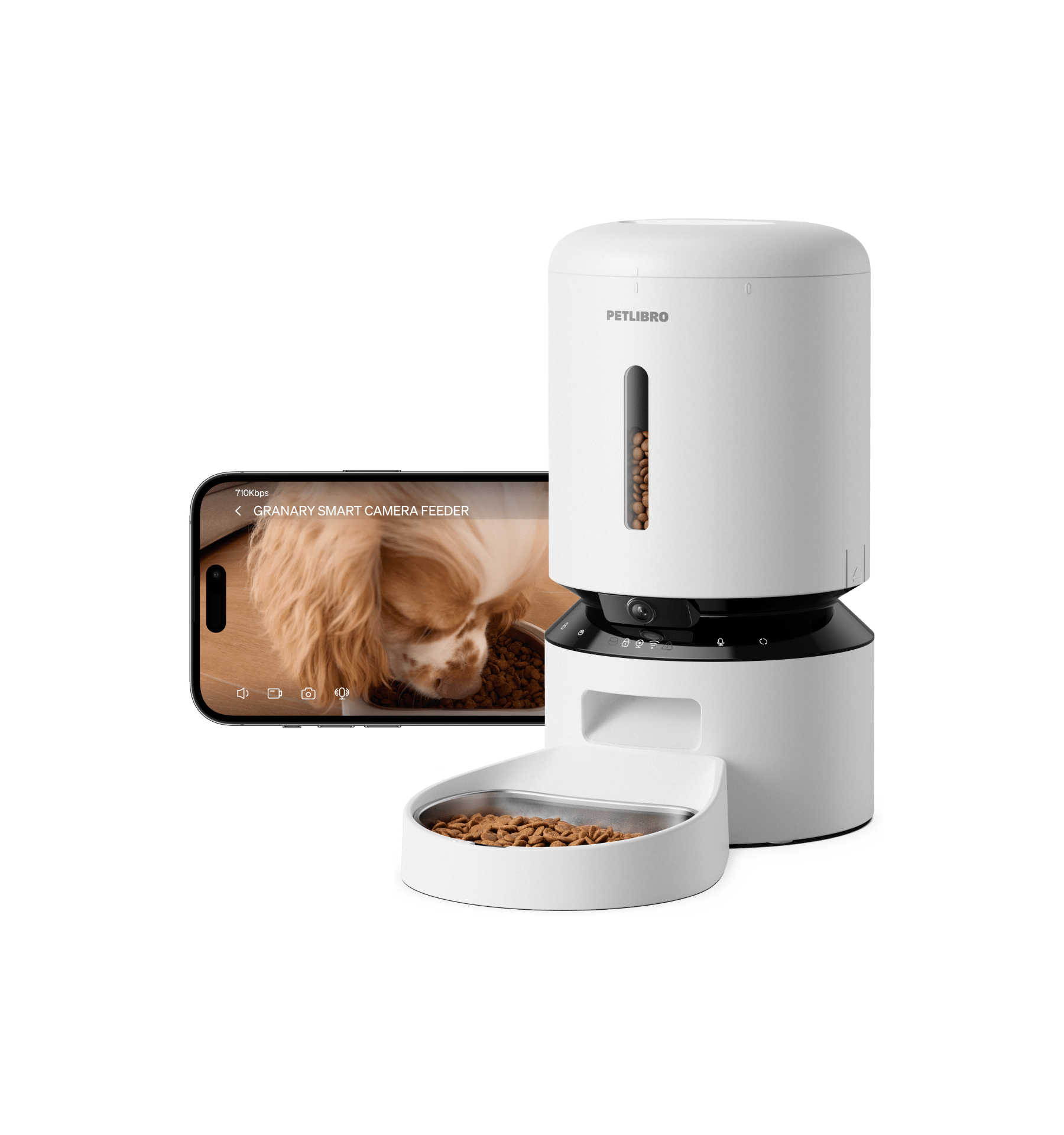
Notifications can create more confidence than the hardware deserves. Depending on the design, a completed-meal message may mean that the feeder attempted a dispensing cycle, not that the intended amount reached the bowl or that the pet ate it.
A blocked chute, empty hopper, or partial jam may not be visible to the software. Even feeders with sensors can have blind spots, so I treat app history as an activity log rather than proof of feeding. If meal confirmation matters, a camera aimed at the bowl or a separate check by a person provides more useful context.
Portion consistency changes as crumbs accumulate
Automatic feeders often look consistent when they are new. Over time, fragments and powder can collect around the rotor, chute, or measuring compartment. This buildup may reduce a portion, cause extra pieces to fall later, or make one serving different from the next.
Food shape also matters. A mechanism that handles one dry food reliably may behave differently with larger, flatter, or irregular pieces. Before adopting a feeder, I run several cycles with the food I actually plan to use and inspect the mechanism after normal residue has developed. For dietary or health-related portion concerns, consult your vet rather than depending only on the feeder’s labels or app settings.
Power backup does not guarantee internet backup
A feeder can stay powered while losing the connection required for remote controls and notifications. That distinction matters. Some models continue stored schedules locally when Wi-Fi disappears, while others may lose certain functions or fail to report their status.
A practical way to compare this is to create a schedule, disconnect the network, and check what happens at the next meal. I also restore the connection and check whether the feeder duplicates, skips, or correctly reconciles the event. A battery compartment is useful, but it does not answer how the software behaves offline.
Clock and schedule errors can survive unnoticed
Smart feeders depend on time settings that owners rarely inspect after setup. A changed time zone, daylight-saving transition, router replacement, account logout, or app reinstall can expose scheduling problems. The feeder’s display, internal clock, and phone app may not always present the same information clearly.
Recurring schedules deserve special attention. Editing one meal can accidentally affect multiple days, and disabling a schedule may be less obvious than it appears. After any app, network, or clock change, I verify the full week rather than checking only the next scheduled meal.
Manual controls can create accidental double meals
Convenient controls introduce another failure mode: more than one person can feed the same pet. One household member may use the physical button while another dispenses through the app. A scheduled serving can then follow soon afterward.
Shared accounts and vague notification histories make this harder to spot. In my household, I would establish one rule for manual feeding and require everyone to check recent activity first. If the app supports multiple users, I would also test whether it identifies who triggered each action.
The pet may become part of the failure mechanism
Reviews often evaluate what the feeder does to food, not what a motivated pet does to the feeder. Cats may reach into the chute, while dogs may push, tip, chew, or drag the unit. Even when the hopper remains closed, repeated movement can shift the bowl away from the chute and leave food on the floor.
I watch the first several meals and inspect for tooth marks, paw access, loose lids, and movement across the floor. Placement can matter as much as software. A stable location away from water, direct heat, and easily pulled cables reduces several avoidable risks, although no placement makes a feeder pet-proof.
Cleaning can damage reliability rather than improve it
Regular cleaning is necessary, but reassembly creates opportunities for subtle errors. A rotor, lid, bowl, or food container may appear seated while remaining slightly misaligned. Moisture left near a mechanism can also make crumbs cling together.
I check the manufacturer’s cleaning instructions before buying because complicated maintenance tends to be postponed. After every deeper clean, I run a manual serving while watching the chute. I do not assume that a feeder returned to the counter is ready simply because the app reconnects.
Low-food detection may not match the useful threshold
A hopper can contain food without having enough positioned correctly for dependable dispensing. Conversely, a warning may appear while several servings remain. The shape of the container, position of the sensor, and way food settles all influence what “low” means in practice.
I learn the warning behavior during supervised use. More importantly, I refill based on a routine rather than waiting exclusively for an alert. Transparent hoppers make visual checks easier, but they still do not reveal a blockage below the visible food.
App support can outlive neither the feeder nor your phone
The physical machine may continue working while its app becomes inconvenient or incompatible. Login problems, changed permissions, unavailable notifications, or an operating-system update can remove features that influenced the original purchase.
For that reason, I favor feeders that retain useful local controls and stored schedules without constant cloud access. I also keep setup instructions and account details accessible to another household member. A feeder should not become unusable because one phone is lost or one person is unavailable.
How to assess a smart feeder before relying on it
- Owner reviews should report consistent servings with the pet’s normal food and verified output.
- Long-term feedback should account for realistic crumbs and residue developing.
- Specifications and reviews should confirm whether stored schedules run without Wi-Fi.
- Published testing should describe clock and schedule behavior after a power interruption.
- Check reported performance of low-food alerts, manual controls, and shared-user access.
- Look for feedback on cleaning, reassembly, and performance during subsequent cycles.
- Review how pets interact with the lid, chute, bowl, cable, and base.
- Arrange a human backup whenever a missed meal cannot wait for your return.
A smart feeder is most dependable when treated as a convenience device, not an unquestionable food-delivery system. The hidden risks are usually combinations of food, software, maintenance, and pet behavior rather than one dramatic defect. Before leaving it unattended, run failure tests at home and make sure someone can check the feeder and your pet if the evidence becomes unclear.
선물 아이디어와 특가 확인
모든 가이드와 특가 확인 보기How we research: This guide is based on manufacturer specifications, published independent reviews, and verified-buyer feedback, not hands-on testing.
매주 새로운 펫테크 리뷰를 만나보세요
매주 한 번, 최신 리뷰와 반려인들이 실제로 구매하는 용품 정보를 보내드려요. 스팸 없이 언제든 구독을 취소할 수 있어요.